
Screen Studio
Summary
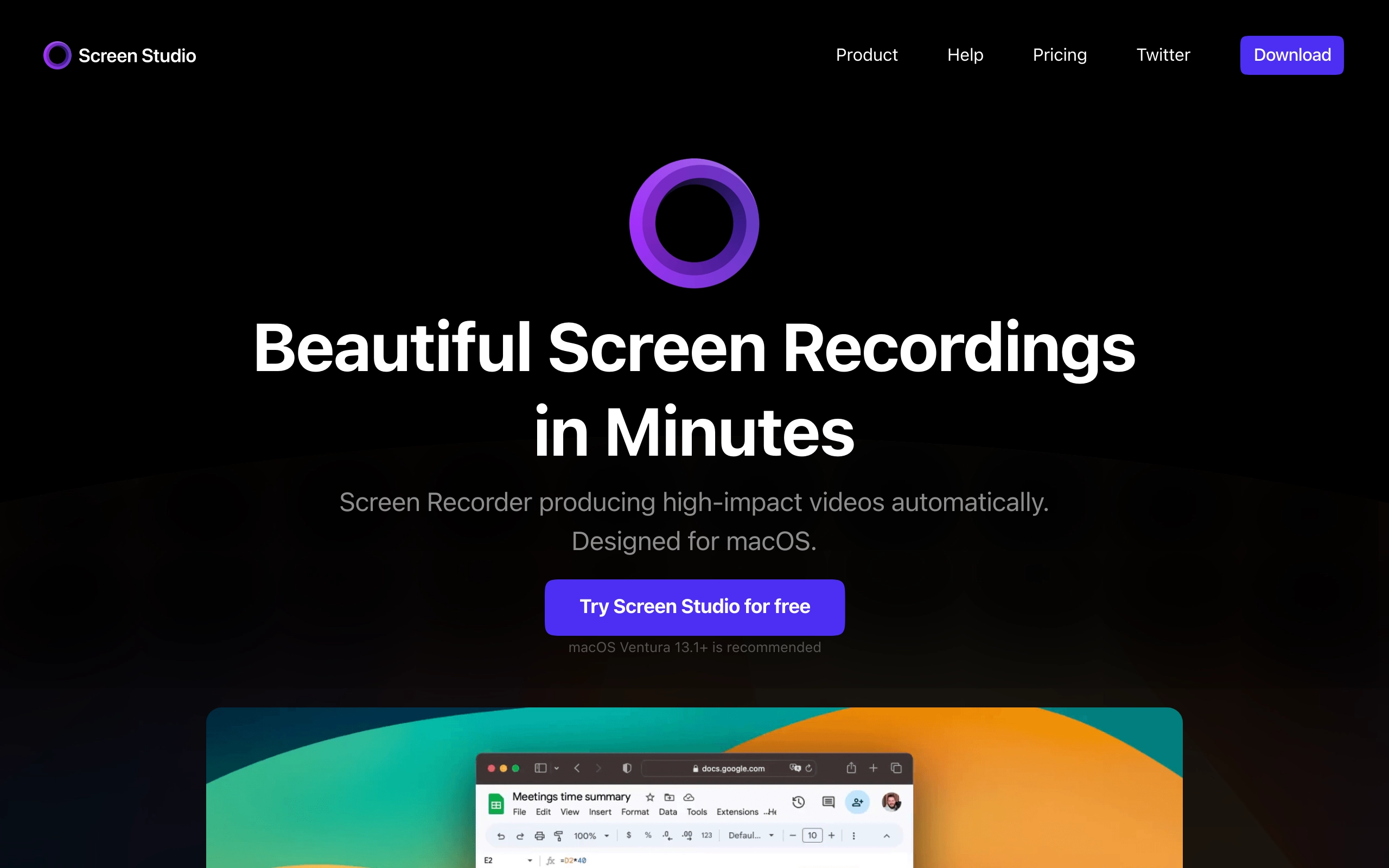
Screen Studio is an advanced screen recorder designed specifically for macOS that automatically creates engaging and professional-looking recordings. The software stands out by automatically zooming in on cursor movements, smoothing animations, and offering features for creating product demos, courses, tutorials, and social media content.
Key features
- 🎯 Automatic cursor zoom and movement smoothing for enhanced viewer focus
- 🎥 Webcam recording with intelligent overlay positioning
- 🔊 Built-in audio enhancement with noise removal and volume normalization
- 📱 iOS device recording capability with system audio support
- 🎬 Vertical mode export optimization for social media
- ✏️ Manual zoom control with automatic animation transitions
- 🎨 Customizable branding options including background and spacing settings
- 📝 Local transcript generation with subtitle support
Who it’s for
Screen Studio is designed for content creators, educators, and professionals who need to create high-quality screen recordings. It’s particularly suited for those making product demonstrations, educational content, tutorials, and social media posts who want professional results without extensive video editing knowledge.
Pricing
- Monthly: $9/month billed annually
- Pay Once: $229 includes one year of updates
* Pricing details may be out of date.
Product Details
- 🗂️ Category: creativity
- #️⃣ Tags: video editing utility
Related Products
-

Descript
AI-powered video and podcast editor
-

Canva
Online design and publishing tool
-

InVideo
InVideo simplifies video creation with ready-made templates that you can quickly customize even if you've never done it before.
-

Pictory
With Pictory you can create and edit professional quality videos using text in minutes, no technical skills required or software to download.
-

Jupitrr
Use AI to generate contextual B-rolls for your videos for free - stock images, videos, animated subtitles, and many more.
-

ElevenLabs
Create the most realistic speech with our AI audio in 1000s of voices and 32 languages. Pioneering research in Text to Speech and AI Voice Generation
Featured Products
-
Descript
AI-powered video and podcast editor
-
Canva
Online design and publishing tool
-

AdCreative.ai
AI-generated ads that convert
-

Make
Make is the leading visual platform for anyone to design, build, and automate anything—from tasks and workflows to apps and systems—without the need for coding skills.
-

Blaze
Produce blog posts, social media content, ad copy, and marketing briefs - all in your brand voice.
-

Beehiiv
Access the best tools available in email, helping your newsletter scale and monetize like never before.